No rendering experience neededWork directly with your existing CAD model.
One CAD model.More ways to use it.
Turn your existing CAD model into an interactive 3D presentation. Customize it, create images and videos, share it with clients, or bring it directly to your website.
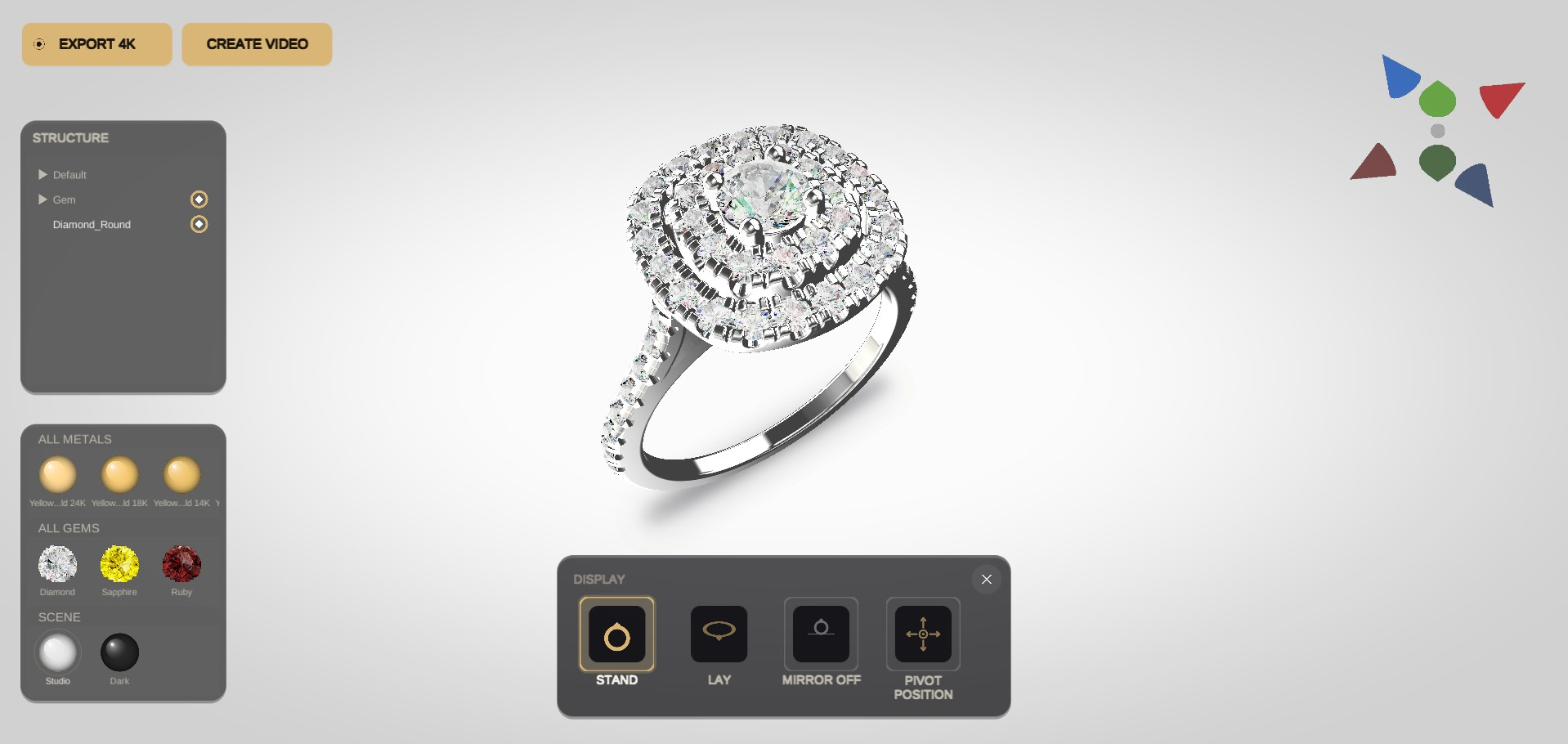
One model, multiple outputsInteractive 3D, images, videos and shareable links.
CAD support availableGet specialist help when your model needs additional work.
What you can do with your model
From your CAD to real results.
Upload your model to JewelryRend and use it in different ways—depending on what you need.
1
Upload your CAD
Upload your 3D model in seconds.
Upload2
Show it to your client
Let your client explore the piece from every angle.
3
Create images and videos
Generate high-quality images and videos from the same model.
Images
- Different angles
- Various materials
- Custom backgrounds
- High resolution
4
Share with a simple link
Send an interactive model to your client or team.
5
Use on your website
Integrate the interactive viewer directly into your website.
Interactive 3D Viewer Drag to rotate
Add to Cart
Gallery
A glimpse of the render quality.
Explore real examples created with JewelryRend.
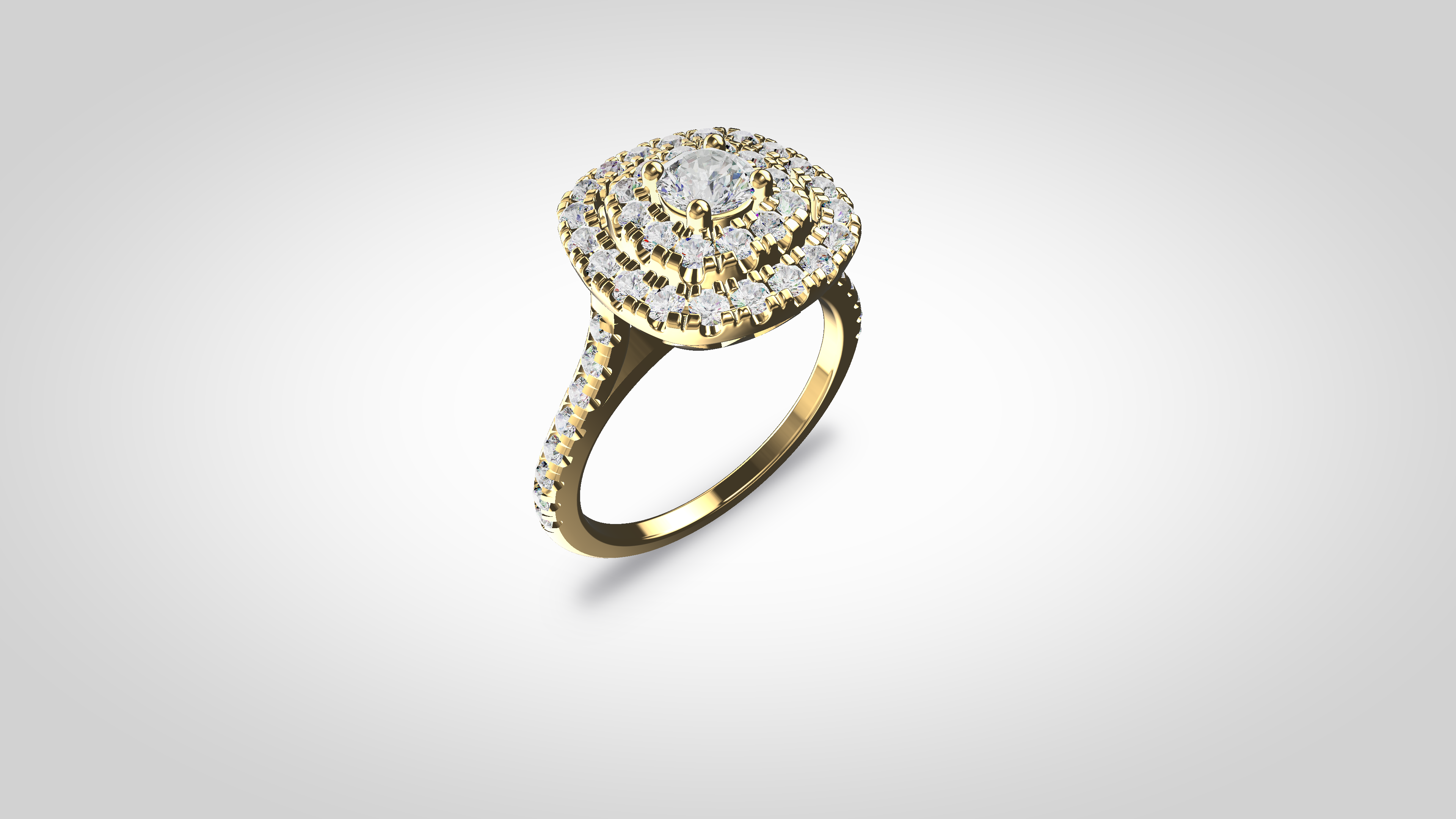
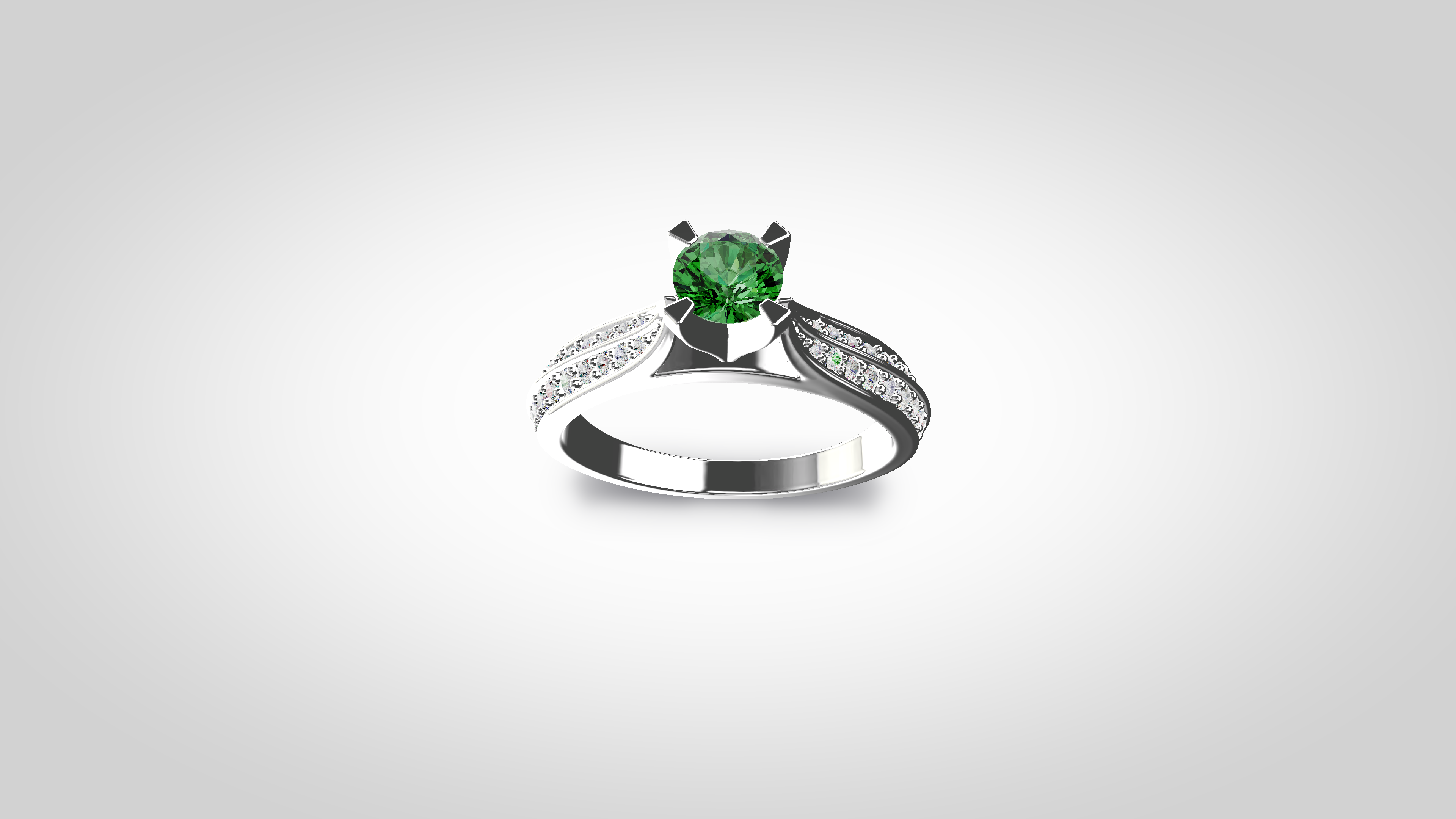
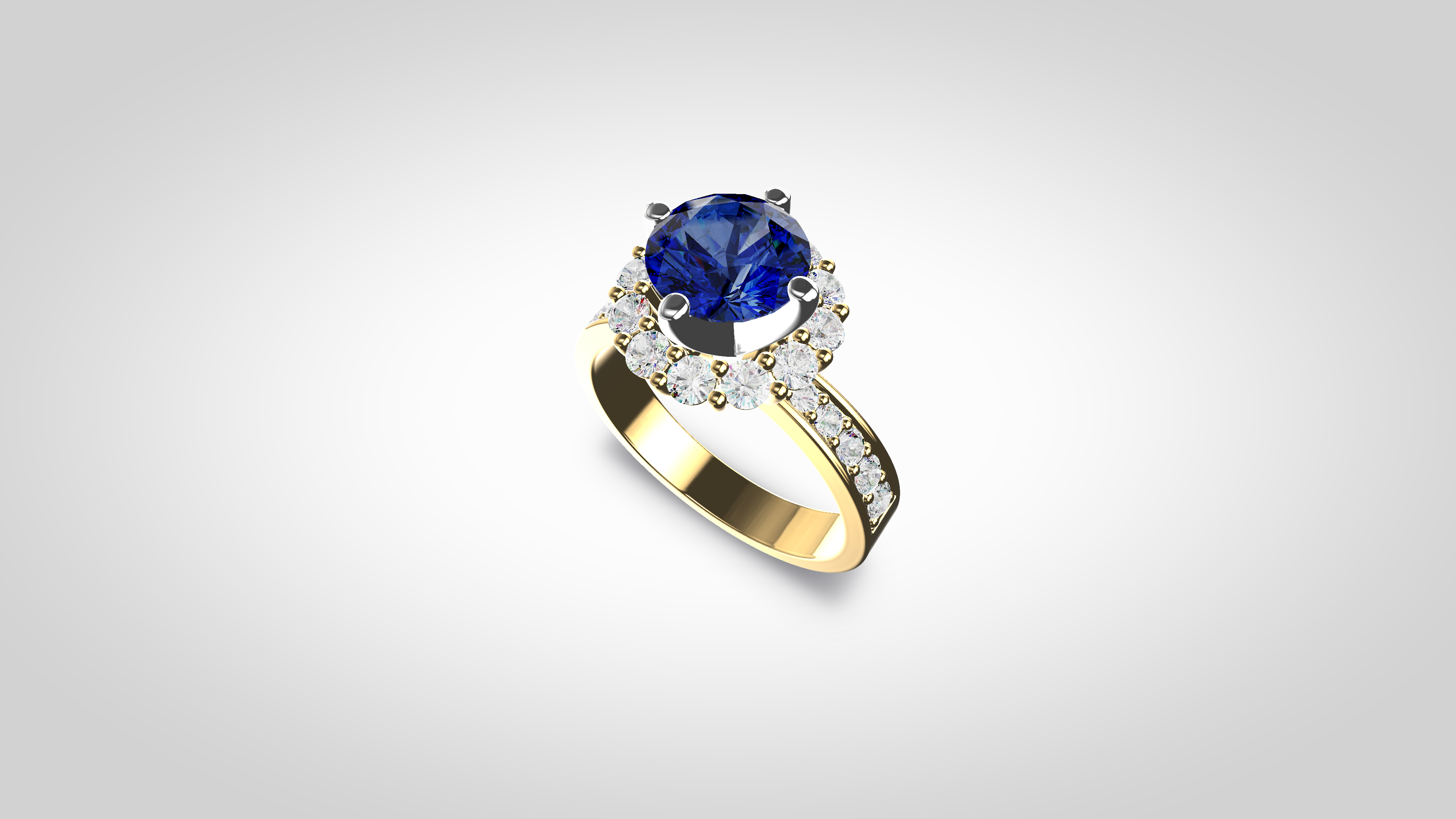
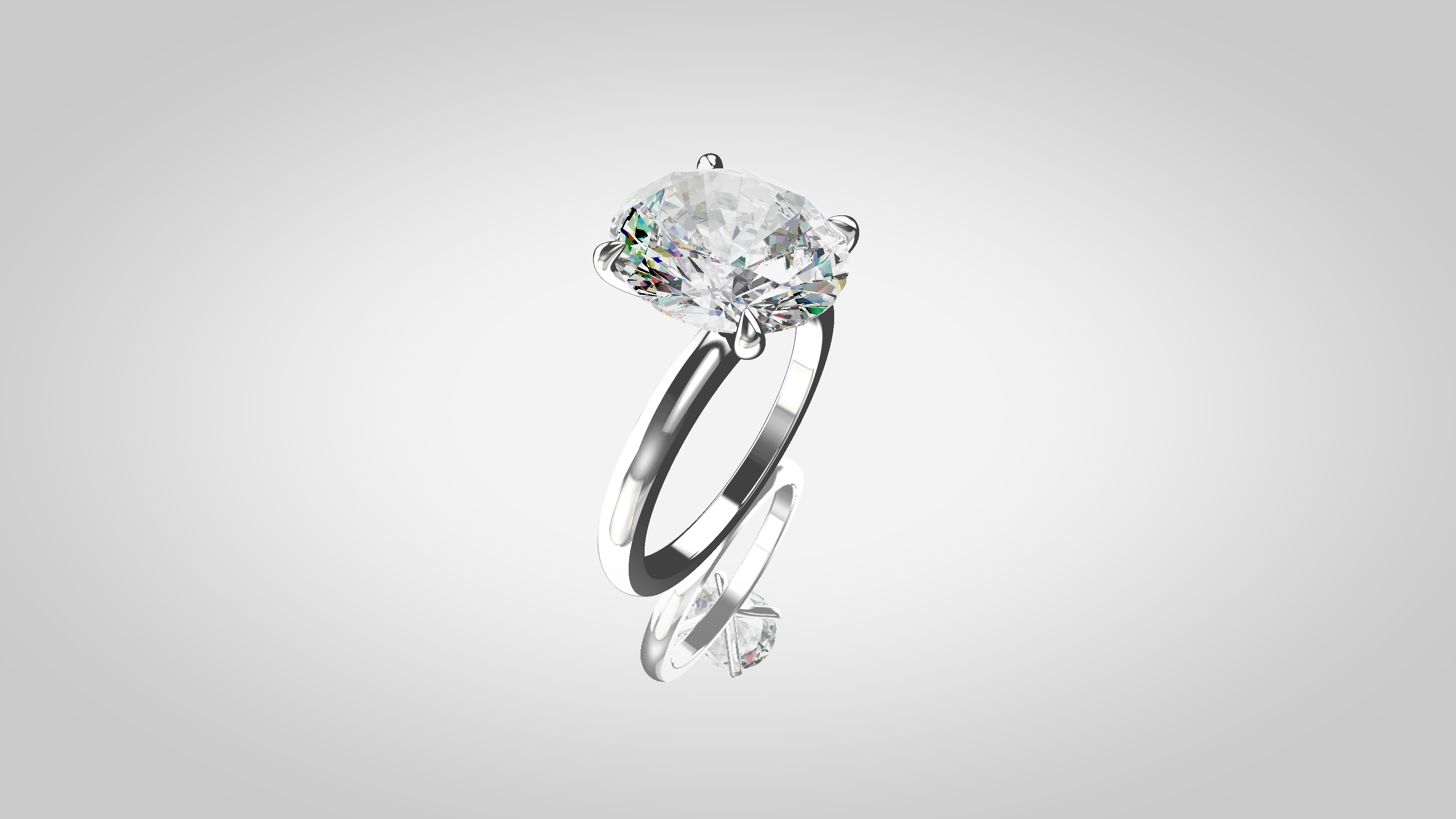
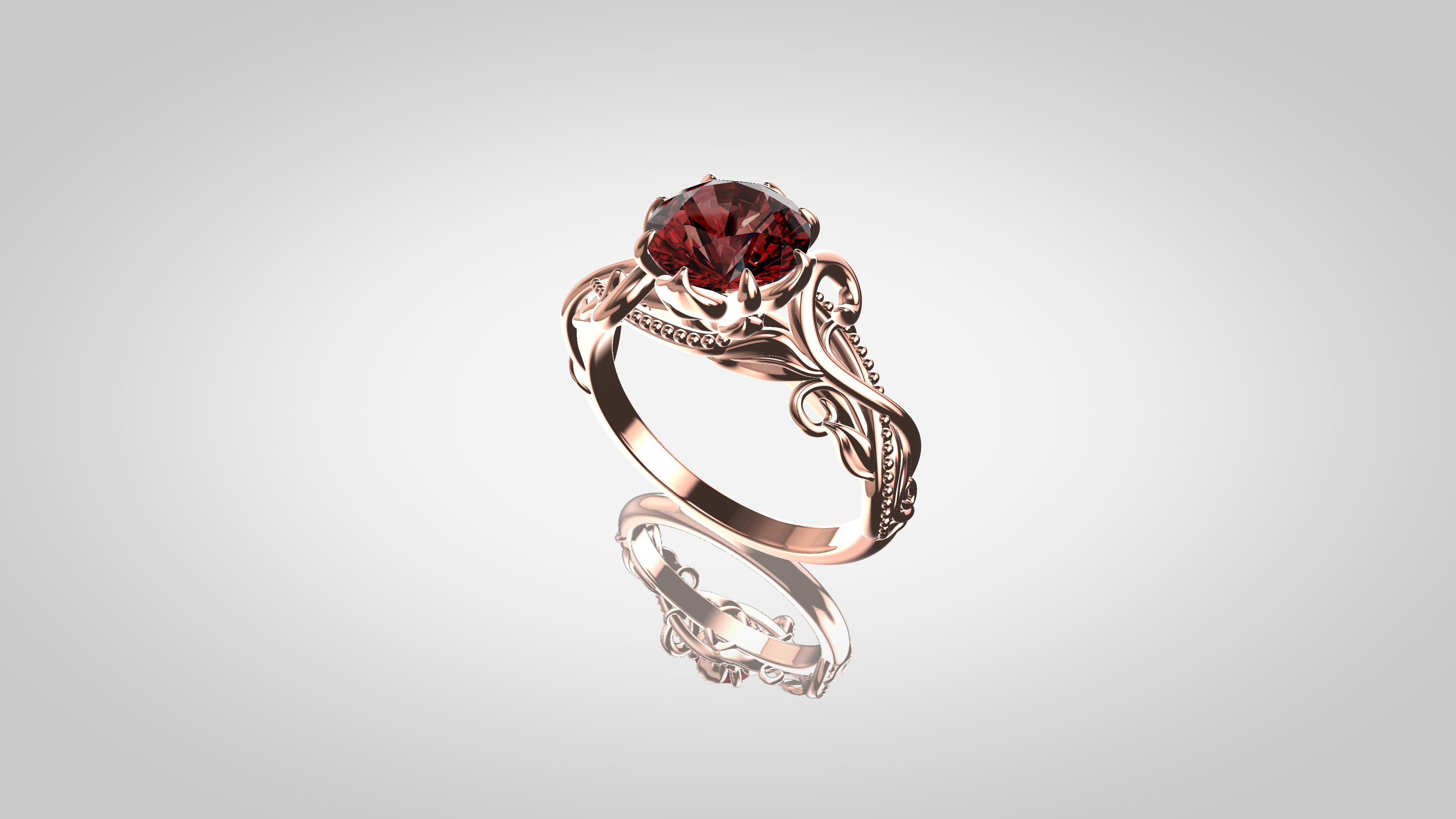
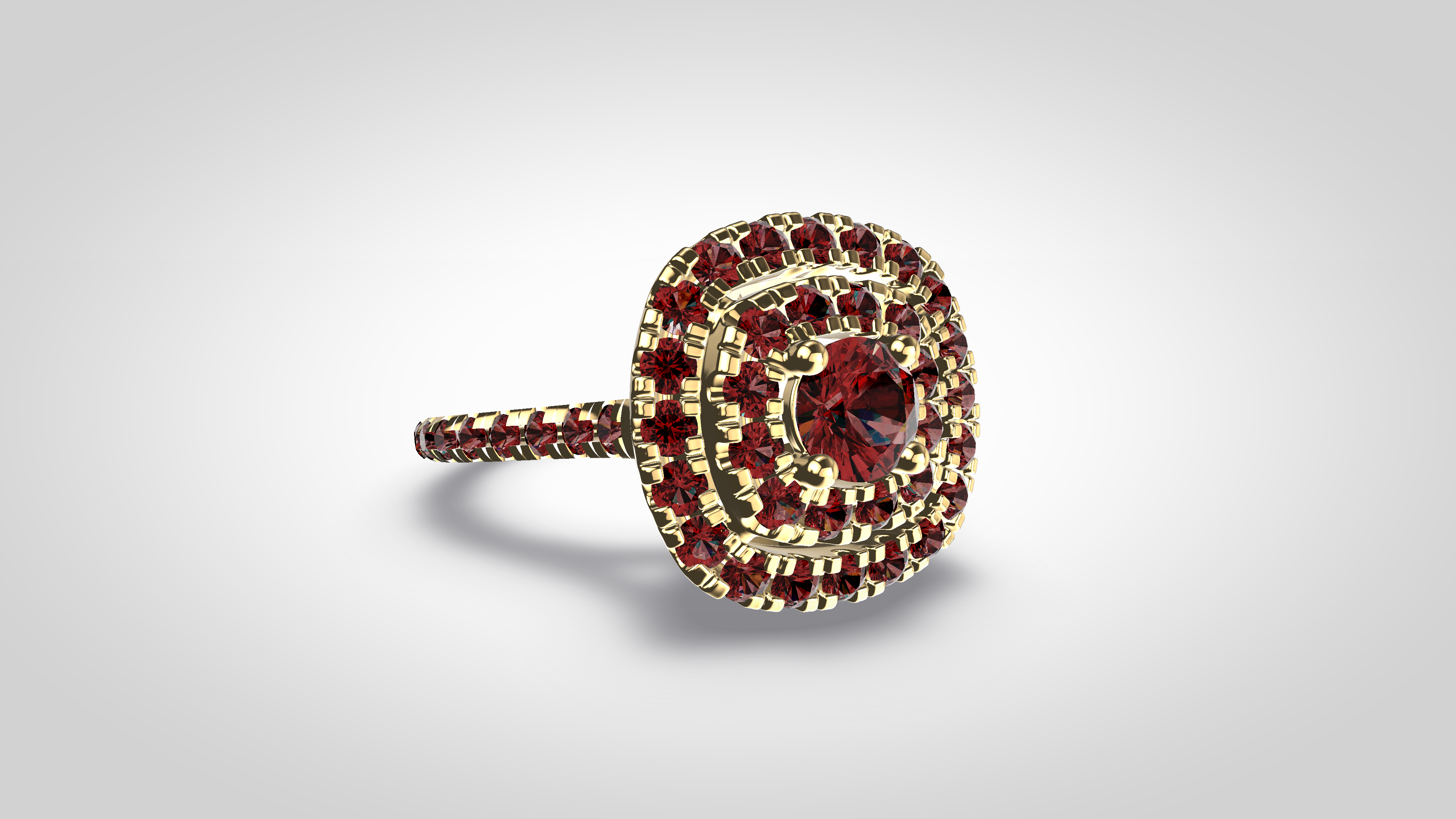
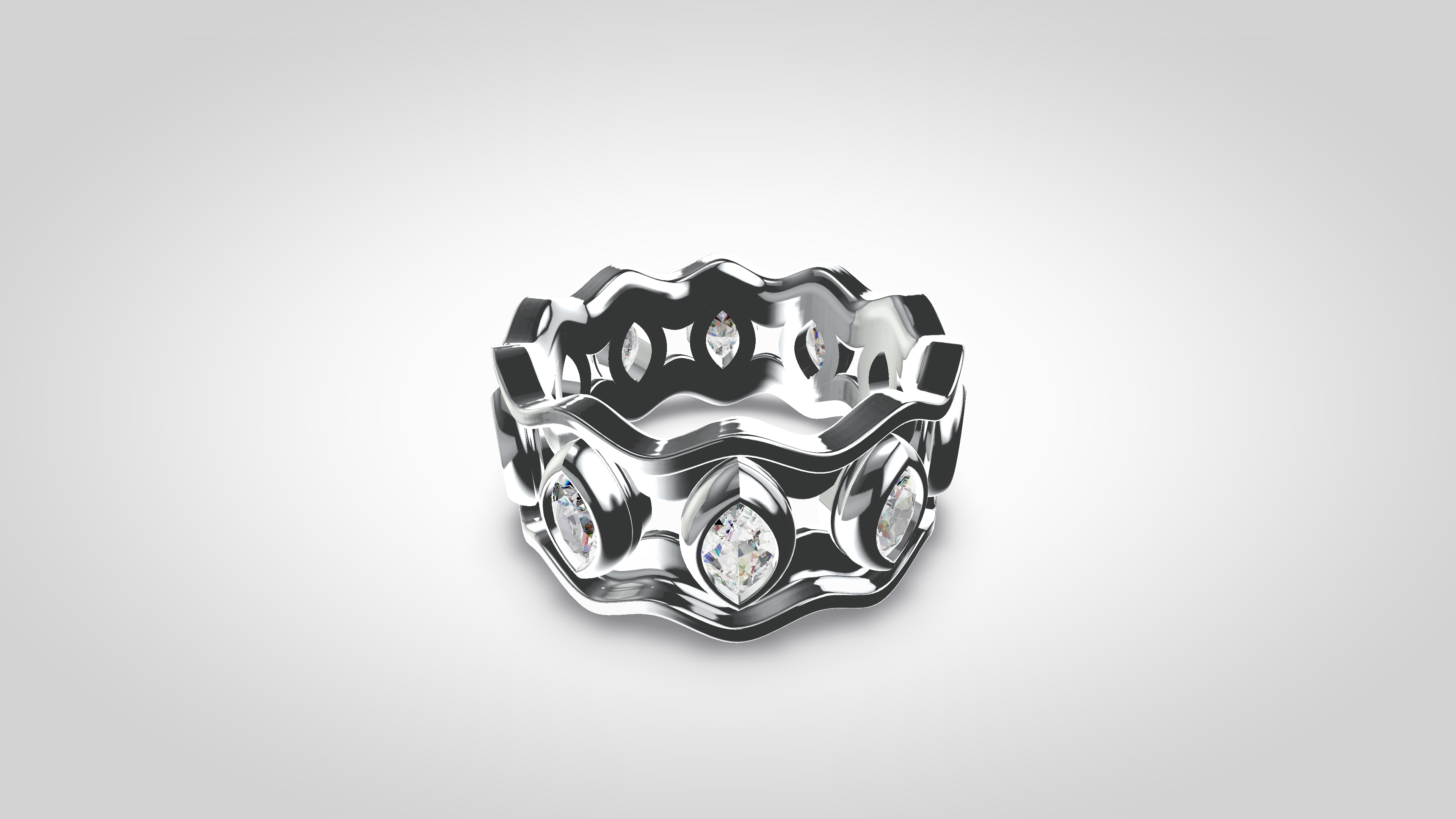
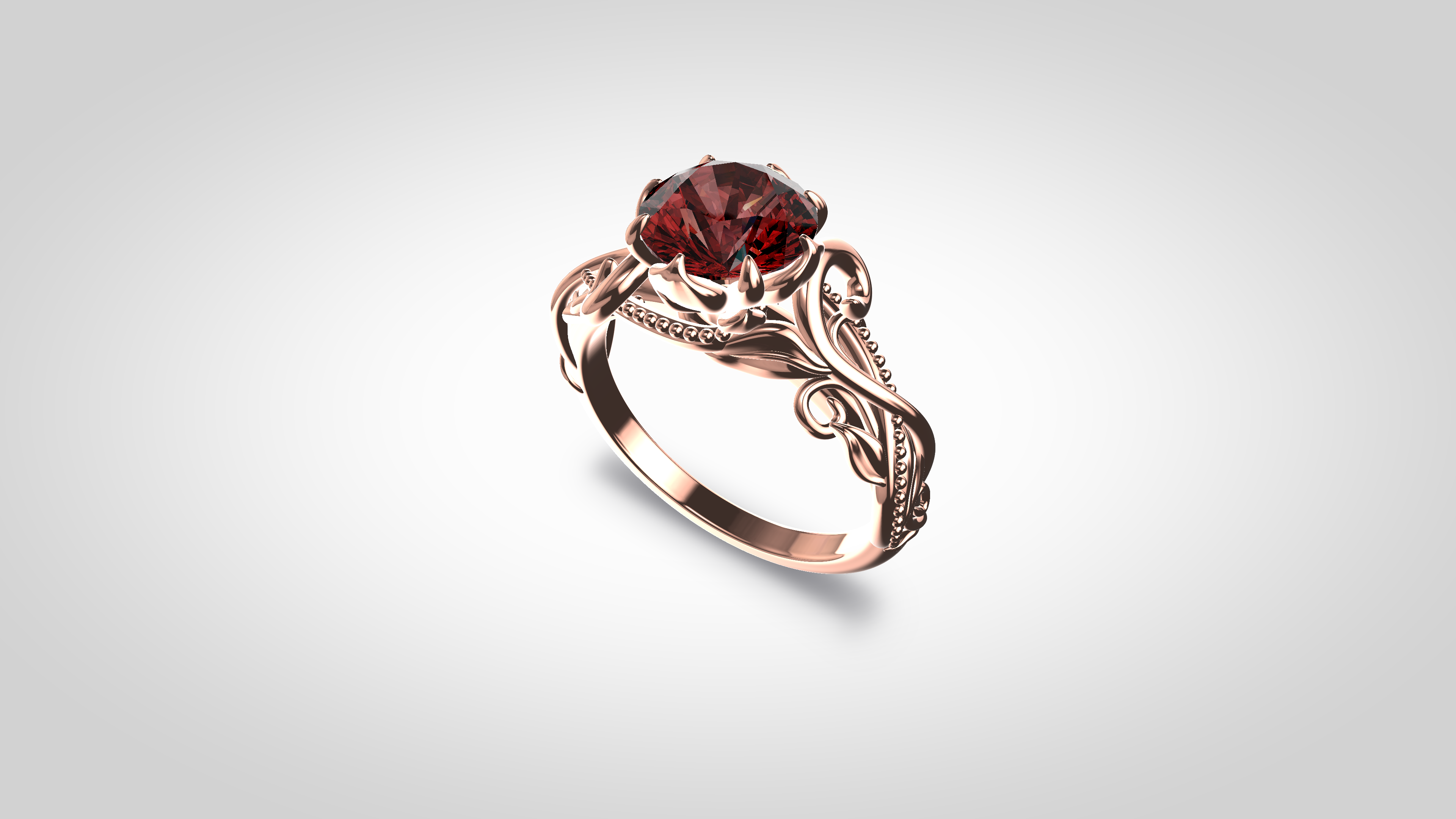
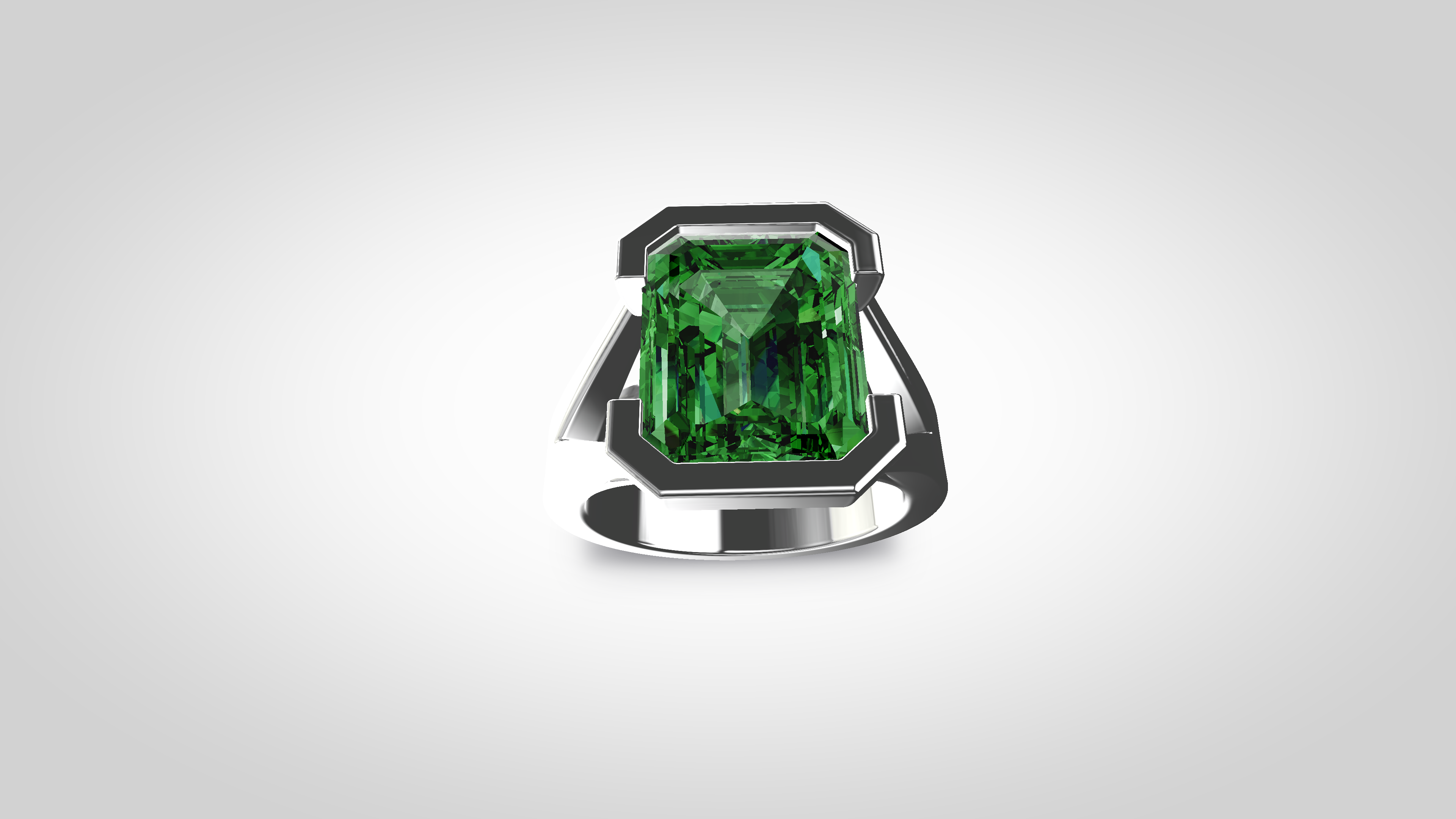
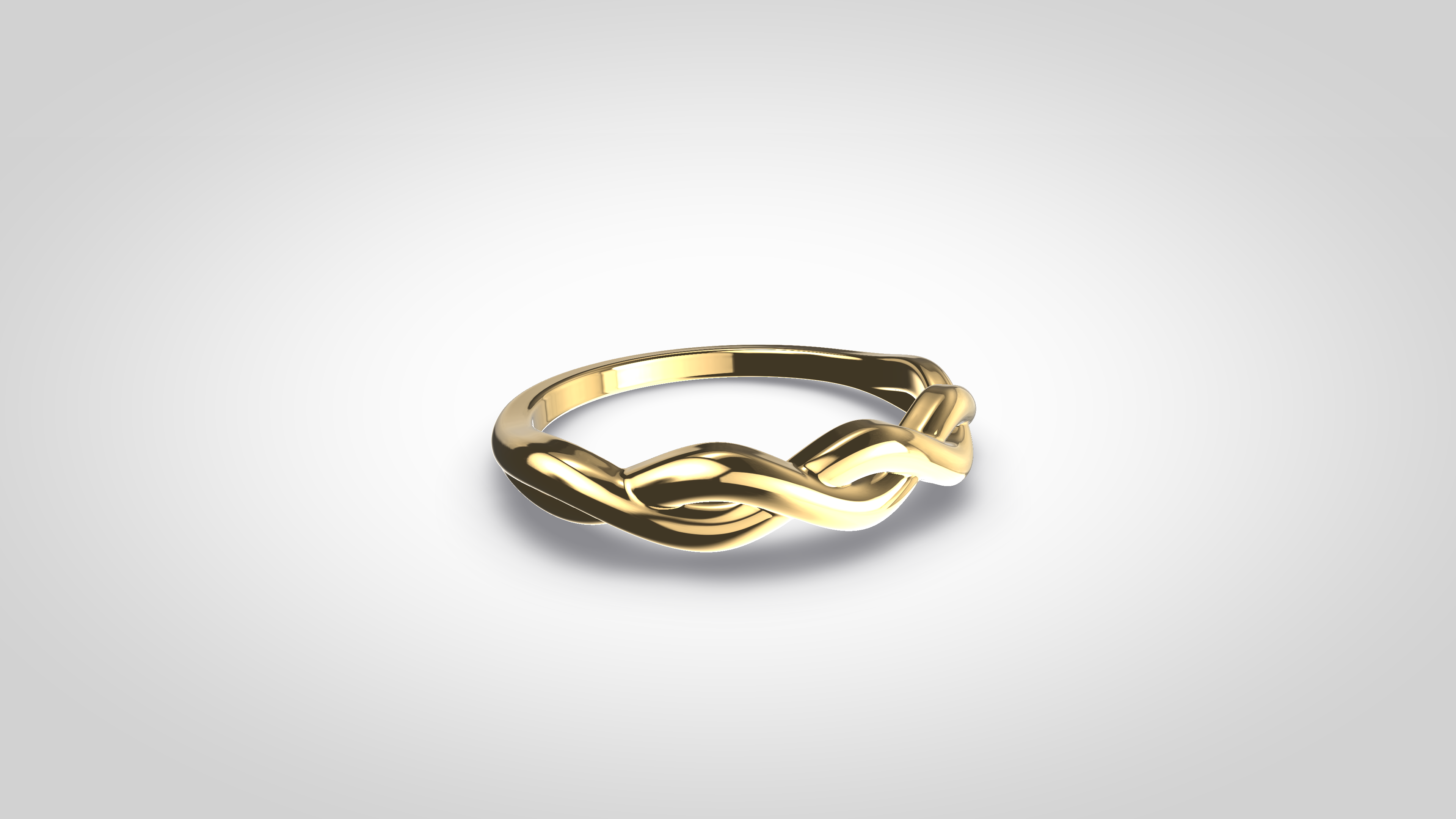
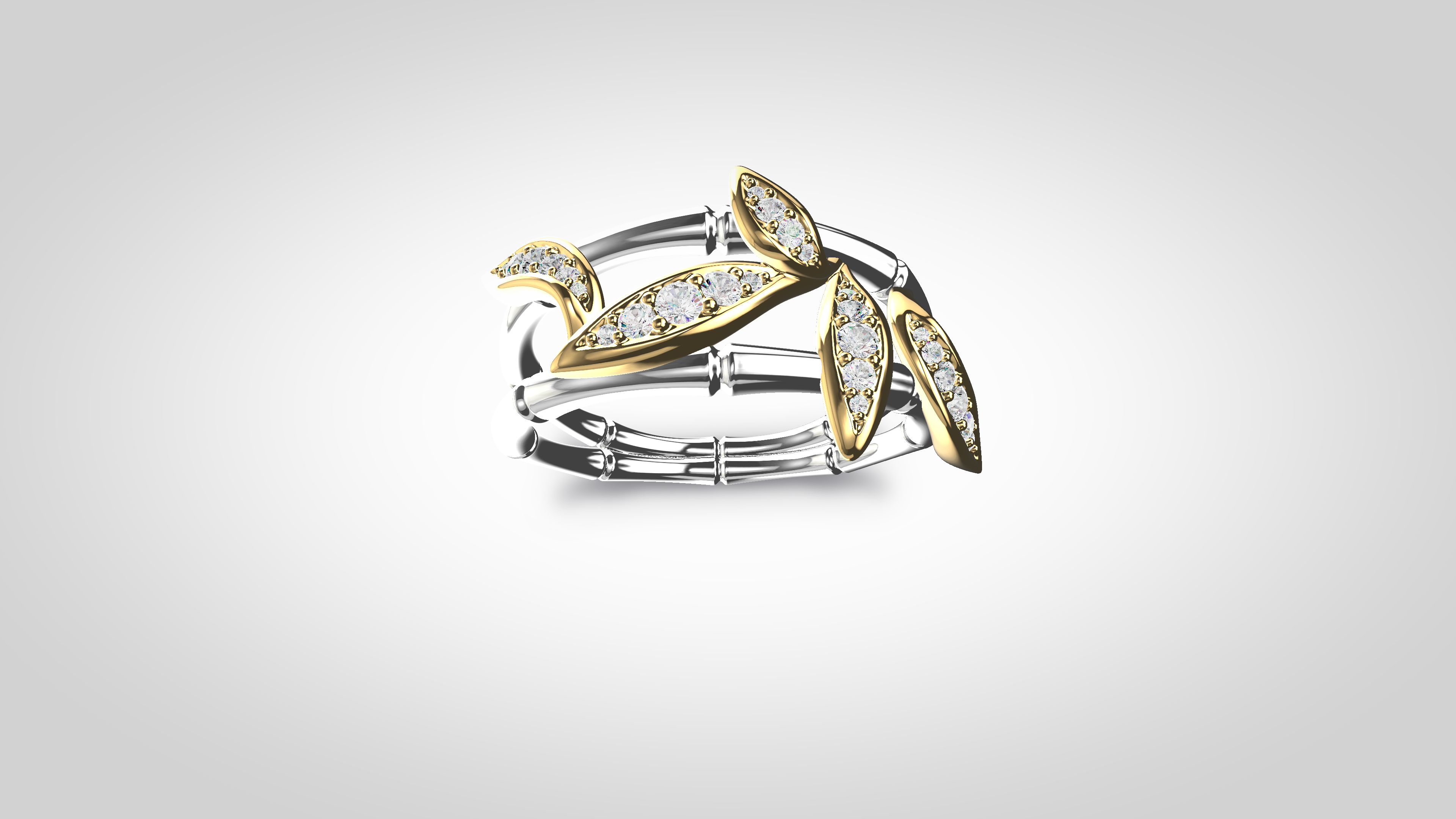
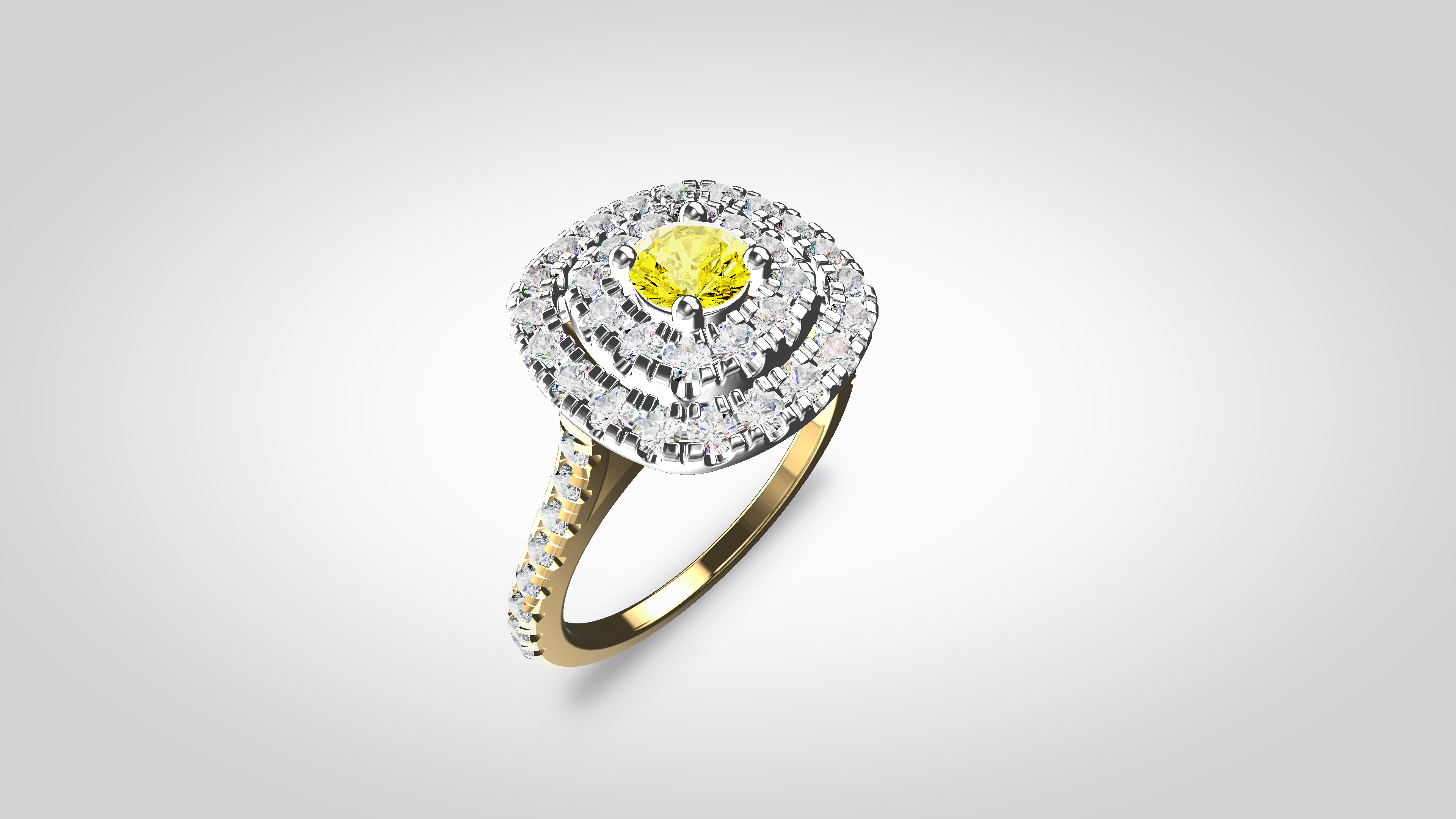
Different ways to use JewelryRend.
From working CAD to client-ready presentation. Turn the model you’re already working with into an interactive presentation, images or videos—ready to show and share.
Let your client explore the design with you. Show different metals and gemstones, explore the design from every angle and make decisions together before production.
MaterialsMetalsGemstones
360°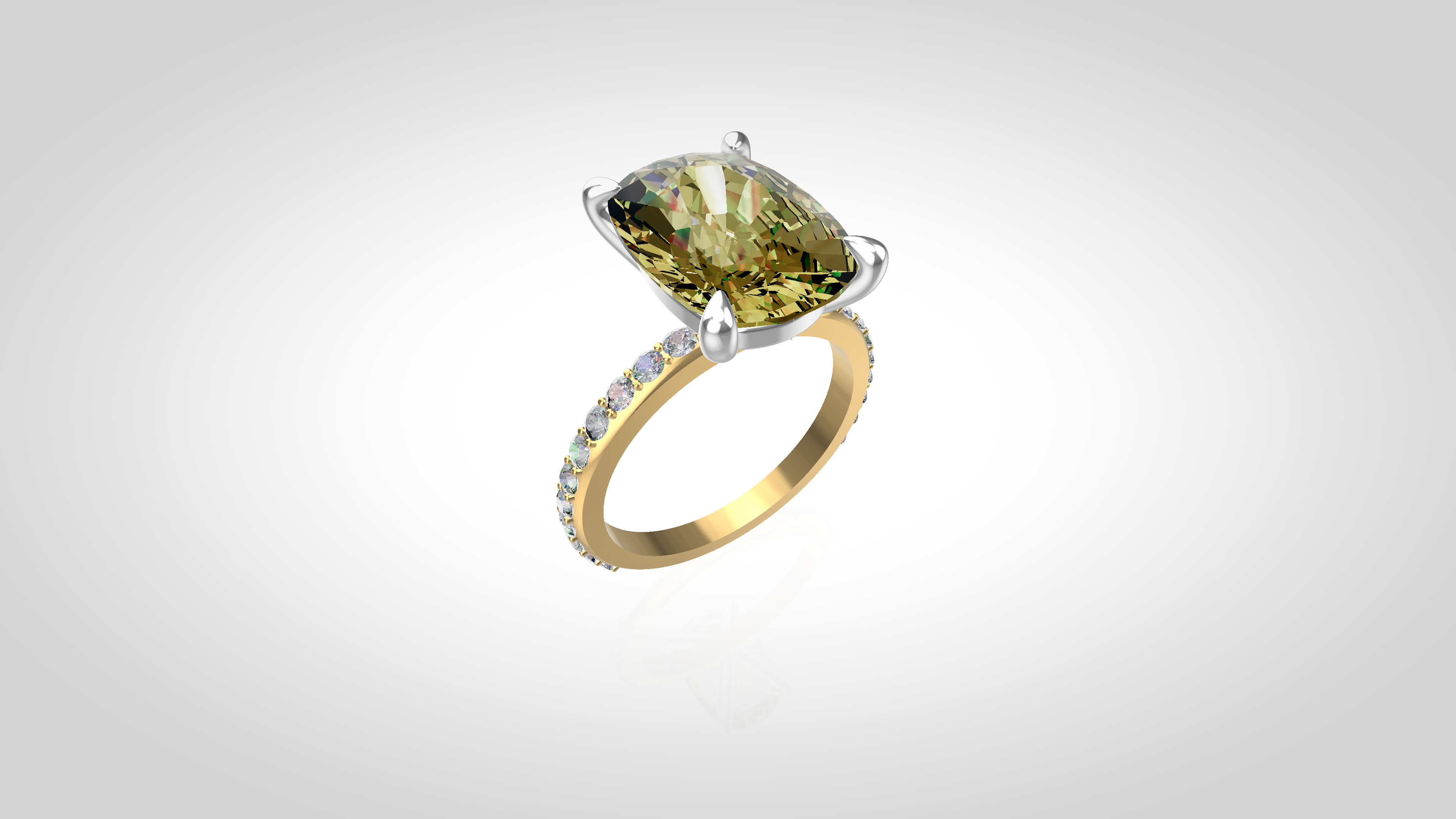
Looks great! Let’s try this in yellow gold.
Bring the interactive piece to your product page. Let customers explore different options directly on your website.
Product image
Interactive 3D viewer Drag to rotate
Pricing
Choose the way you work.
$20/ month
Includes:
- Up to 4 files included for If your files are not polished and ready for processing, we can help every month
- Unlimited interactive 3D viewing
- Unlimited 360° model rotation
- Unlimited embeds on your website or application
- Desktop and mobile support
- API and integration access
$600/ lifetime
One payment.
Lifetime access to JewelryRend. Inclusive of all future updates, and up to 100 file processings in a year.
Secure cloud storage includedStore your files, access them anytime and render on the go.
Secure paymentsYour data is always protected.
No hidden fees.What you see is what you get.
Need help?We’re here for you.
CAD support
Do it yourself when you can;
bring in a specialist when you need one.
JewelryRend is designed to let you work with your models independently.
But if a model needs preparation or additional CAD work, our jewelry CAD specialists can step in and help.
Do it yourself
Work independently with your model in JewelryRend.
View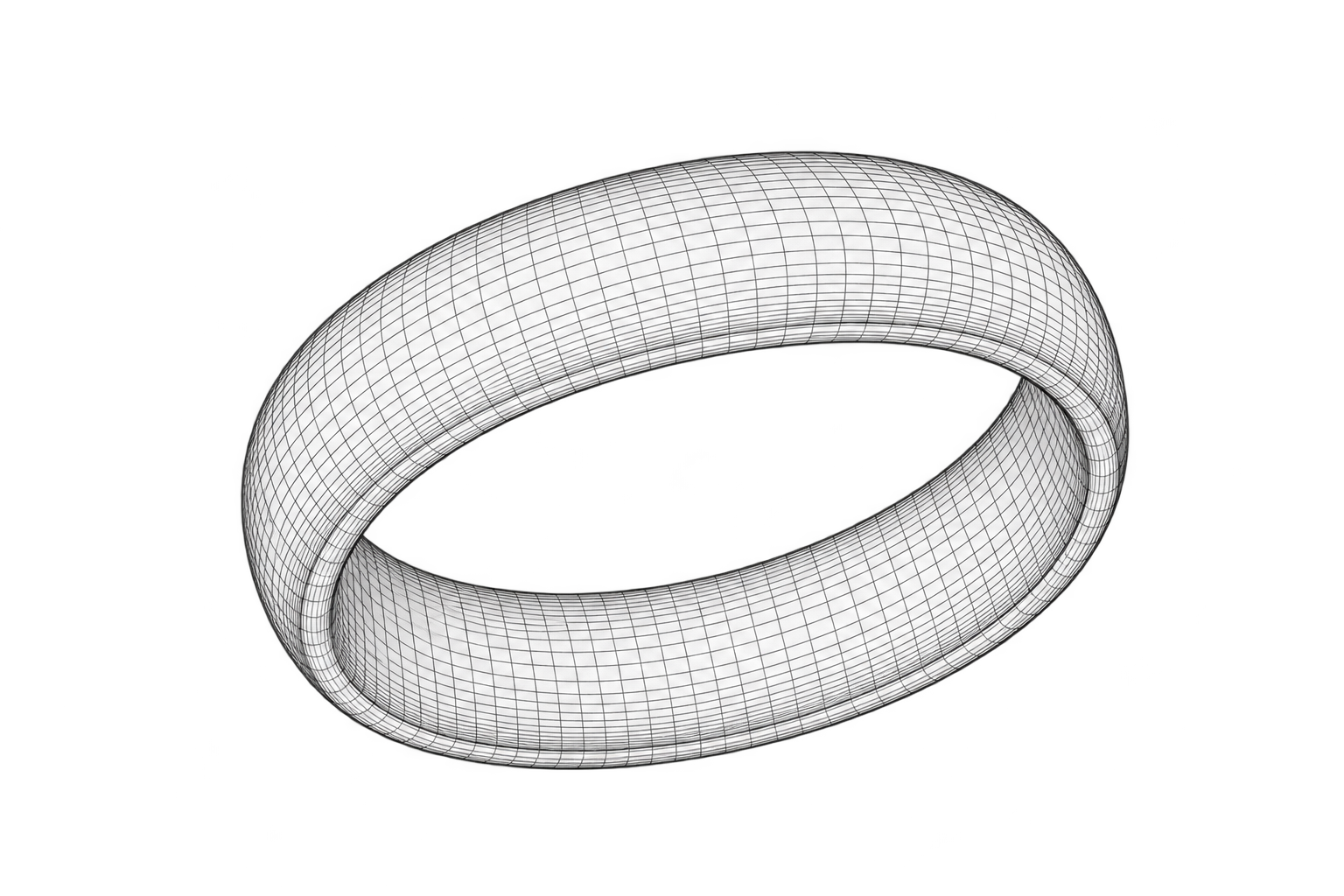
- Adjust materials
- Explore in 3D
- Create and share
CAD specialist
Our jewelry CAD specialists step in when your model needs preparation or adjustments.
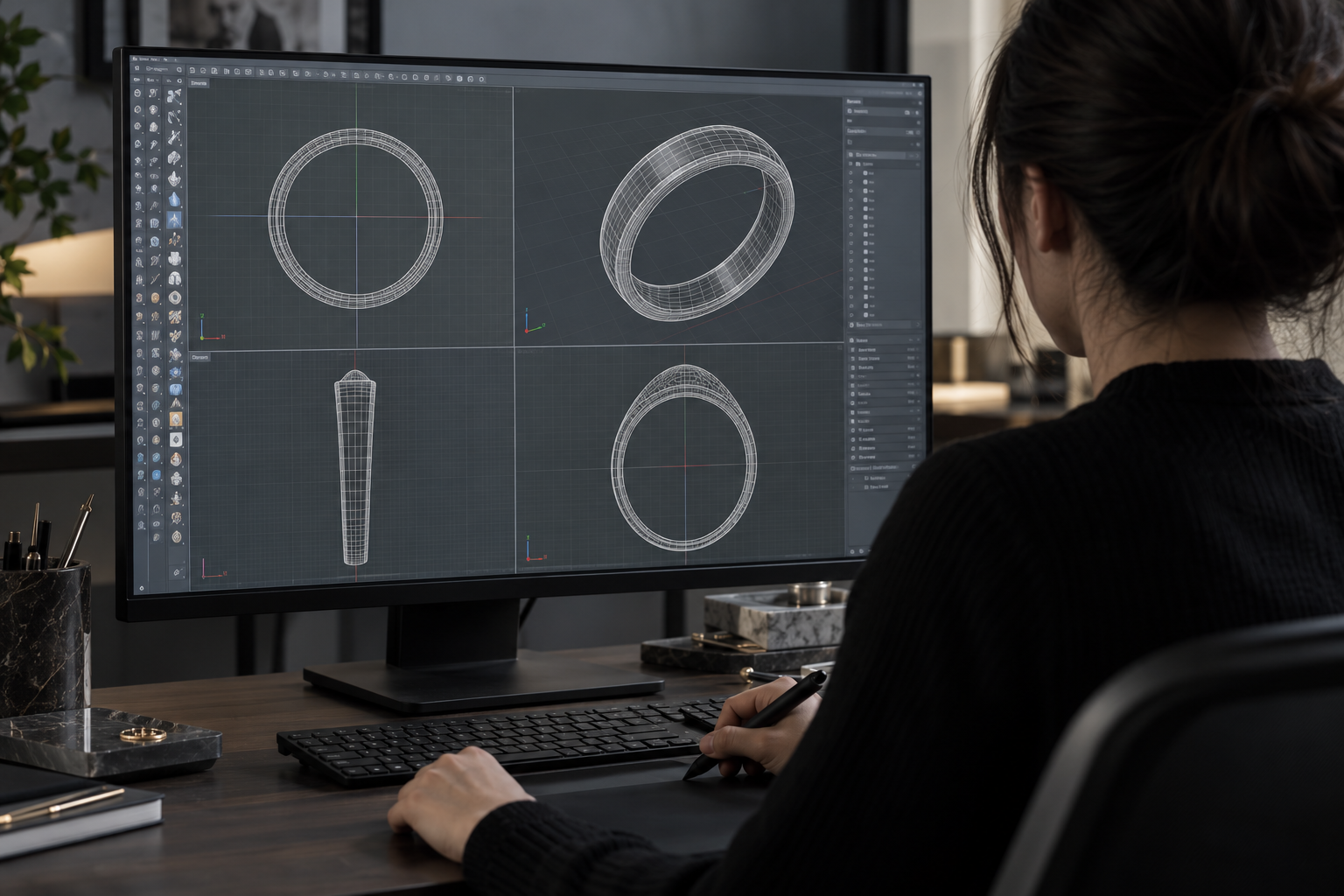
- Model adjustments
- Professional expertise
- When you need it
Back to you
Receive the updated file and continue working in JewelryRend.
Updated modelReady for use
Up to 4 CAD adjustments by our specialists are included with the monthly plan.
Where it works
Built for jewelry.
Useful beyond it.
Jewelry is where JewelryRend started and where our expertise lies.
The same technology can work with 3D models across other industries.
Jewelry
Furniture
Coming soonManufacturing
Coming soonMedical devices
Coming soonEngineering
Coming soonSecurity / IP
Your work is safe with JewelryRend.
JewelryRend is designed to protect your files and keep you in control
of how they are accessed, stored and used.
Protected infrastructure
JewelryRend uses Cloudflare as part of its security infrastructure to help protect the platform and the data passing through it.
Access
Your files are accessible only to you. Our team can access them only with your permission (for example, to provide technical support).
Storage time
Uploaded files are stored only for the duration of your session and are automatically deleted when the session is closed or refreshed.
Your control
You can delete your files at any time. Once deleted, they are permanently removed from our servers.
No AI training
Your files and data are never used for AI training or any other form of machine learning.
FAQ
Frequently asked questions.
Everything you need to know before turning your CAD into a clearer presentation.
Do I need rendering experience to use JewelryRend?
No. The workflow is designed for jewelry professionals, not rendering specialists. Upload your supported model and work from a clear, guided presentation.
What 3D model formats are supported?
JewelryRend supports common jewelry CAD formats including GLB, GLTF, OBJ, STL and FBX.
Can I customize metals and gemstones?
Yes. You can prepare visual variations for metals, gemstone colors, lighting and background treatments.
Can I create images and videos from the same model?
Yes. A single prepared model can be used to create multiple visual outputs and presentation angles.
Can I use JewelryRend directly on my website?
Yes. Finished visuals and embeds can be placed on product pages or integrated into a custom storefront.
Can JewelryRend be integrated into Shopify, React or a custom product configurator?
Yes. Integration options are available for modern storefronts and custom web applications.
Can I generate different product variations from one model?
Yes. One source model can support multiple material, stone and presentation variants.
What if my CAD model needs some work?
Our jewelry CAD specialists can prepare or adjust the model before returning it to your workflow. Up to 4 models are included each month (100 files with lifetime). More can be discussed.
Is JewelryRend only for jewelry?
Jewelry is our specialty today, with workflows for furniture, manufacturing, medical devices and engineering planned next.